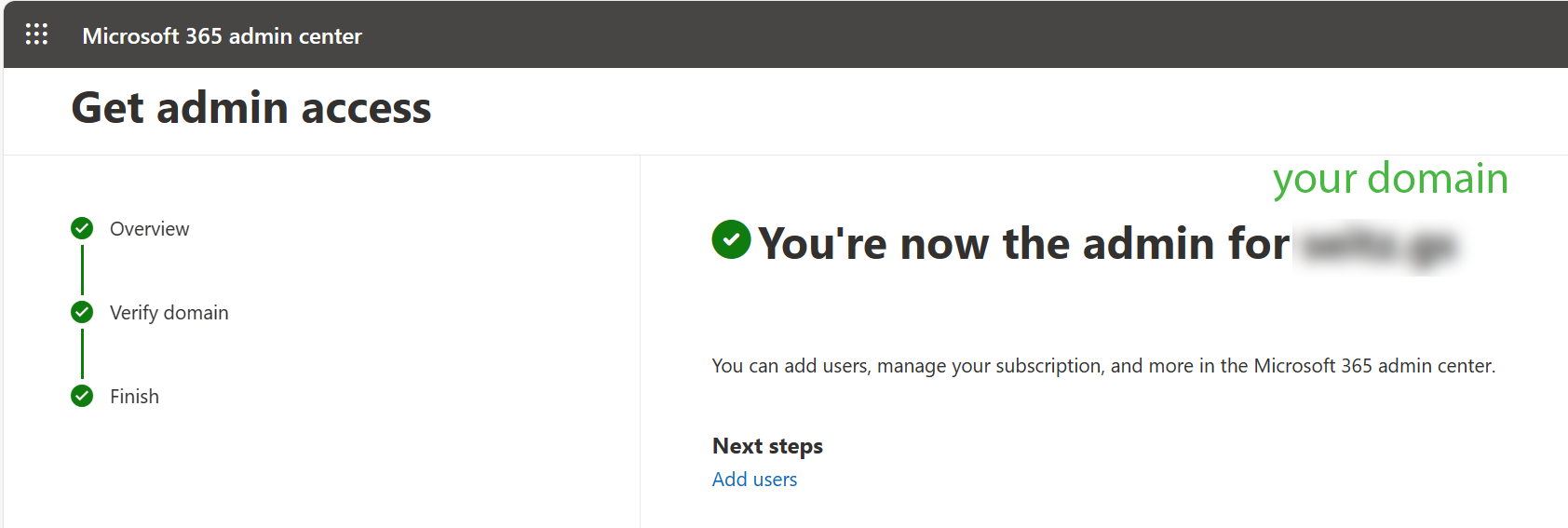
Internal Admin Takeover#
Note
Take Over an Unmanaged Directory Internal admin takeover in Azure AD is a process that allows anyone with an email address in the organization’s directory and access to that email, to become a Global Administrator in Azure Active Directory.
MS doc#
Microsoft provides a detailed step-by-step guide to ‘take over an unmanaged directory’.
Basic Steps#
Here are just basic steps from the MS step-by-step guide.
1. PBi Service#
Login to your PowerBI Service with your domain.
2. MS 365#
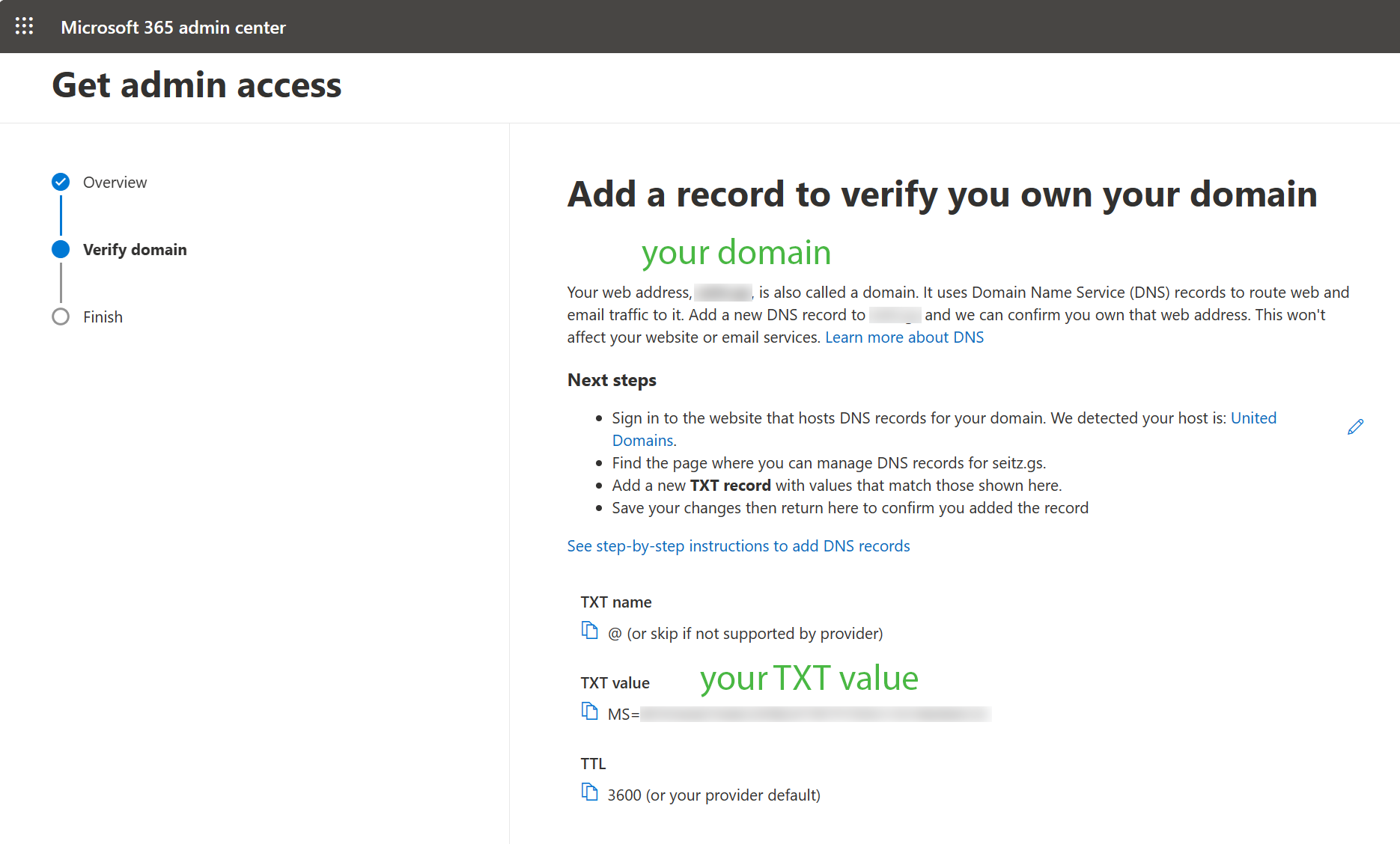
Login to your 365 MS Account and click ‘Admin’. There you could copy ‘TXT value’, e.g. MS=SOMESTRINGSANDNUMBERS.
3. DNS host#
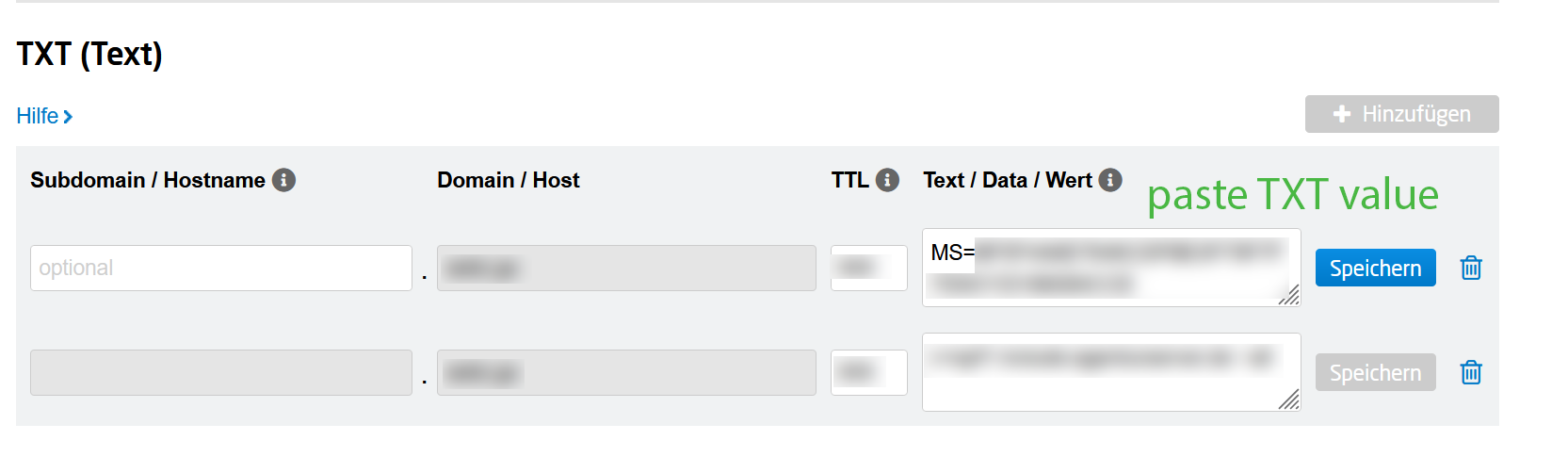
Login in to the website that hosts DNS records for your domain. Microsoft probably detects that for you, so you could follow the link and add (paste) ‘TXT value’ to your DNS records.
Hint
That’s the reason why we wrote this documentation, we want to keep track of configurations in and outside of Azure.
4. MS 365#
Confirm account, MS will check your DNS entry, that could take moment.